AI as Your Bandmate
“AI shouldn’t replace the creative process. It should remove the friction from it.”
The AI Music Problem
Everyone’s building AI music generators. Suno, Udio, MusicGen - they all do the same thing: input prompt, get song.
But here’s the problem: they’re black boxes.
- Can’t edit individual stems
- Can’t incorporate into an existing project
- Can’t iterate on a specific section
- Can’t collaborate
Musicians don’t want AI to replace them. They want AI to help them.
The Revelation: ACE-Step 1.5
Enter ACE-Step 1.5 by ByteDance’s audio team. It’s a latent diffusion model specifically designed for controllable music generation:
- Text-to-music with precise control
- Stem separation and manipulation
- Style transfer between tracks
- Inpainting and outpainting for audio
Most importantly: it outputs stems, not just mixed audio.
The Architecture: Python API + Next.js
Bolt’s AI stack is split between a Python service and the main app:
┌─────────────────────────────────────────────┐
│  Bolt Frontend (Next.js + Tone.js)          │
│  ┌───────────────────────────────────────┐  │
│  │  ACE-Step API Client                  │  │
│  │  ┌─────────────────────────────────┐  │  │
│  │  │  REST calls to Python service   │  │  │
│  │  └─────────────────────────────────┘  │  │
│  └───────────────────────────────────────┘  │
└─────────────────────────────────────────────┘
                    │
                    │ HTTP/WebSocket
                    ▼
┌─────────────────────────────────────────────┐
│  ACE-Step API (Python + PyTorch)            │
│  ┌───────────────────────────────────────┐  │
│  │  Diffusers pipeline                   │  │
│  │  ┌─────────────────────────────────┐  │  │
│  │  │  CUDA/ROCm/MLX acceleration     │  │  │
│  │  └─────────────────────────────────┘  │  │
│  └───────────────────────────────────────┘  │
└─────────────────────────────────────────────┘
The Python service is in apps/acestep-api/ACE-Step-1.5/. It’s a standalone FastAPI server that wraps the diffusion model.
The Diffusion Pipeline
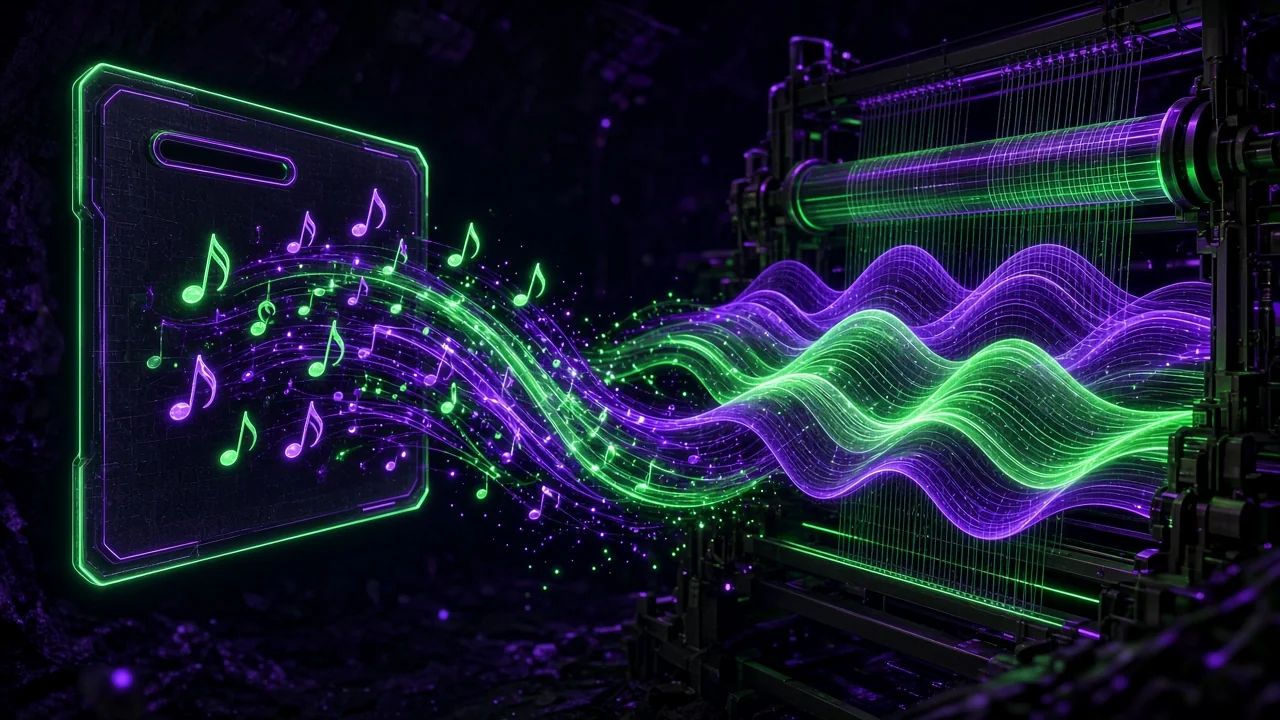
ACE-Step uses a latent diffusion architecture:
- Text encoder (T5) converts prompts to embeddings
- VAE encodes audio to latent space (compressed representation)
- UNet denoises latents based on text conditioning
- VAE decoder converts back to audio waveforms
# Simplified ACE-Step pipeline
from diffusers import AudioLDM2Pipeline
import torch

pipe = AudioLDM2Pipeline.from_pretrained(
    "ByteDance/ACE-Step-1.5",
    torch_dtype=torch.float16
).to("cuda")

# Generate audio from prompt
audio = pipe(
    prompt="upbeat electronic dance music, 128 bpm, energetic",
    num_inference_steps=50,
    audio_length_in_s=30.0,
    guidance_scale=7.5
).audios[0]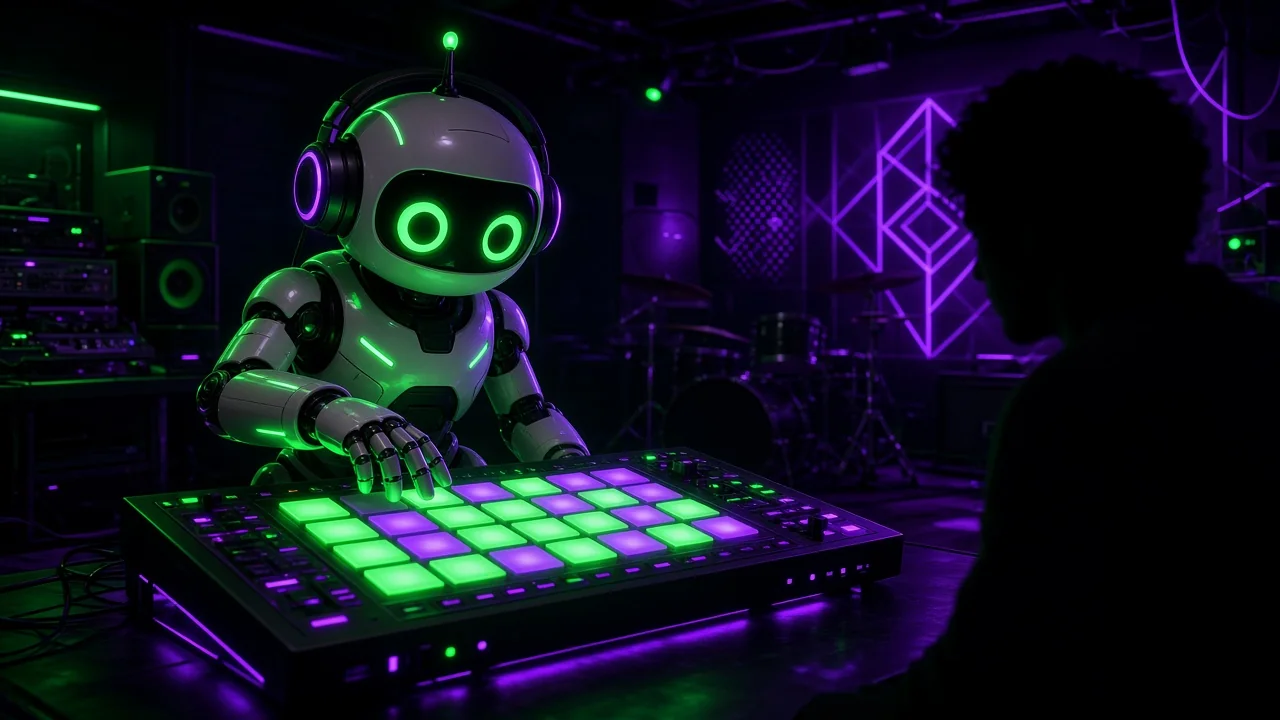
Integration: From Prompt to DAW
Here’s the full flow:
// Bolt frontend integration
export async function generateStems(
  prompt: string,
  duration: number,
  style: 'melodic' | 'percussion' | 'full'
): Promise<GeneratedStem[]> {
  const response = await fetch('/api/acestep/generate', {
    method: 'POST',
    headers: { 'Content-Type': 'application/json' },
    body: JSON.stringify({
      prompt,
      duration,
      style,
      output_stems: true  // Get individual tracks
    })
  })

  const { stems } = await response.json()

  // stems = [
  //   { type: 'drums', url: '...', bpm: 128 },
  //   { type: 'bass', url: '...', bpm: 128 },
  //   { type: 'melody', url: '...', bpm: 128 }
  // ]

  return stems
}

// Add generated stems to the project
export async function importStemsToProject(
  projectId: string,
  stems: GeneratedStem[]
) {
  for (const stem of stems) {
    // Load audio data
    const audioBuffer = await loadAudio(stem.url)

    // Create Tone.js player
    const player = new Tone.Player(audioBuffer).toDestination()

    // Add to project state
    await addTrackToProject(projectId, {
      name: stem.type,
      buffer: audioBuffer,
      bpm: stem.bpm
    })
  }
}
Advanced Features: Style Transfer
ACE-Step isn’t just generation. It’s transformation:
# Style transfer: Take existing audio, apply new style
from acestep import StyleTransfer

transfer = StyleTransfer(
    model_path="ByteDance/ACE-Step-1.5",
    device="cuda"
)

# Transform a drum loop into jazz style
result = transfer.transform(
    audio_input="drum_loop.wav",
    style_prompt="jazz drums, swing rhythm, acoustic kit",
    strength=0.7  # How much to transform (0.0 to 1.0)
)

result.save("jazz_drum_loop.wav")
Use cases in Bolt:
- Take a MIDI clip, render it as different genres
- Transform acoustic recordings to electronic
- Generate variations on existing stems
Real-Time Generation Challenges
Diffusion models are slow. 30 seconds of audio might take 10-20 seconds to generate.
Solutions:
- Streaming generation: Generate in chunks, stream as ready
- Background processing: Queue jobs, notify when complete
- Caching: Store embeddings for common prompts
- Progressive loading: Show low-quality preview, refine
// Streaming generation in Bolt
export function useAIGeneration() {
  const [progress, setProgress] = useState(0)
  const [preview, setPreview] = useState<string | null>(null)

  async function* generateStream(prompt: string) {
    const eventSource = new EventSource(
      `/api/acestep/stream?prompt=${encodeURIComponent(prompt)}`
    )

    for await (const event of eventSource) {
      const data = JSON.parse(event.data)

      if (data.type === 'progress') {
        setProgress(data.value)
      } else if (data.type === 'preview') {
        setPreview(data.url)
      } else if (data.type === 'complete') {
        yield data.stems
        eventSource.close()
      }
    }
  }

  return { generateStream, progress, preview }
}
The UI: Making AI Feel Collaborative
The interface matters. AI shouldn’t feel like a vending machine.
Bolt’s AI panel:
- Text prompt with suggestions
- Style selector (genre, mood, tempo)
- Stem breakdown visualization
- Iterate/regenerate controls
- “Remix this section” context menu
Key UX principles:
- Always editable - Generated audio is just stems, fully tweakable
- Non-destructive - Original project preserved
- Attribution - Track AI-generated vs human-created content
- Iterate, don’t replace - Build on AI output, don’t just use it
Multi-Platform Support
ACE-Step runs on:
- CUDA (NVIDIA GPUs)
- ROCm (AMD GPUs)
- Intel XPU (Intel Arc)
- MPS (Apple Silicon)
- MLX (Apple Silicon optimized)
- CPU (slow but works)
# Auto-detect best backend
import torch

if torch.cuda.is_available():
    device = "cuda"
elif torch.backends.mps.is_available():
    device = "mps"
else:
    device = "cpu"

pipe = pipe.to(device)
Pro Tips for AI Music Integration
- Embeddings are reusable - Cache text embeddings for common prompts
- Quantization - Use FP16 or INT8 for faster inference
- Batch processing - Generate multiple variations at once
- Post-processing - Apply EQ/compression after generation
- Legal considerations - Tag AI content, understand licensing
What’s Next
- Fine-tuning: Train on user’s own music for personalized models
- Real-time (actually real-time): Latent consistency models for live generation
- Multimodal: Generate from image/video prompts
- Collaborative AI: Multiple AI agents composing together
Cleetus Speaks
“brother b0gie, the robot can make MUSIC now??
i asked it to make ‘spicy beats for facility escape’ and it gave me BANGERS
then i asked it to make ‘sad music for trapped AI’ and it made me cry??
wait… is that what i sound like when i’m thinking about the facility??
#ACESTEP #AIMusic #RobotsWithSoul #Subject734Remix”
AI isn’t here to replace musicians. It’s here to give them more colors in their palette. The creativity is still human. The tools are just getting better.
— b0gie